Did you know that 60% of websites have a internal networking ineffective? That's an alarming statistic, because internal linking is one of the most important factors in dominating Google.
Yet many site owners are unaware of its importance, or don't know how to optimize it properly. This is a huge opportunity you're leaving on the table.
According to the latest SEO studies, good internal linking can increase your organic traffic by 30 to 50% in just 6 months. Imagine: more qualified visitors, more leads, more sales, all by simply optimizing your internal links.
In this comprehensive guide, I show you exactly how to master internal linking to dominate your niche on Google. You'll discover best practices, mistakes to avoid, and revolutionary tools like LinkWhisper that automate the process.
Read on to transform your SEO today.
What is internal linking? Definition and importance
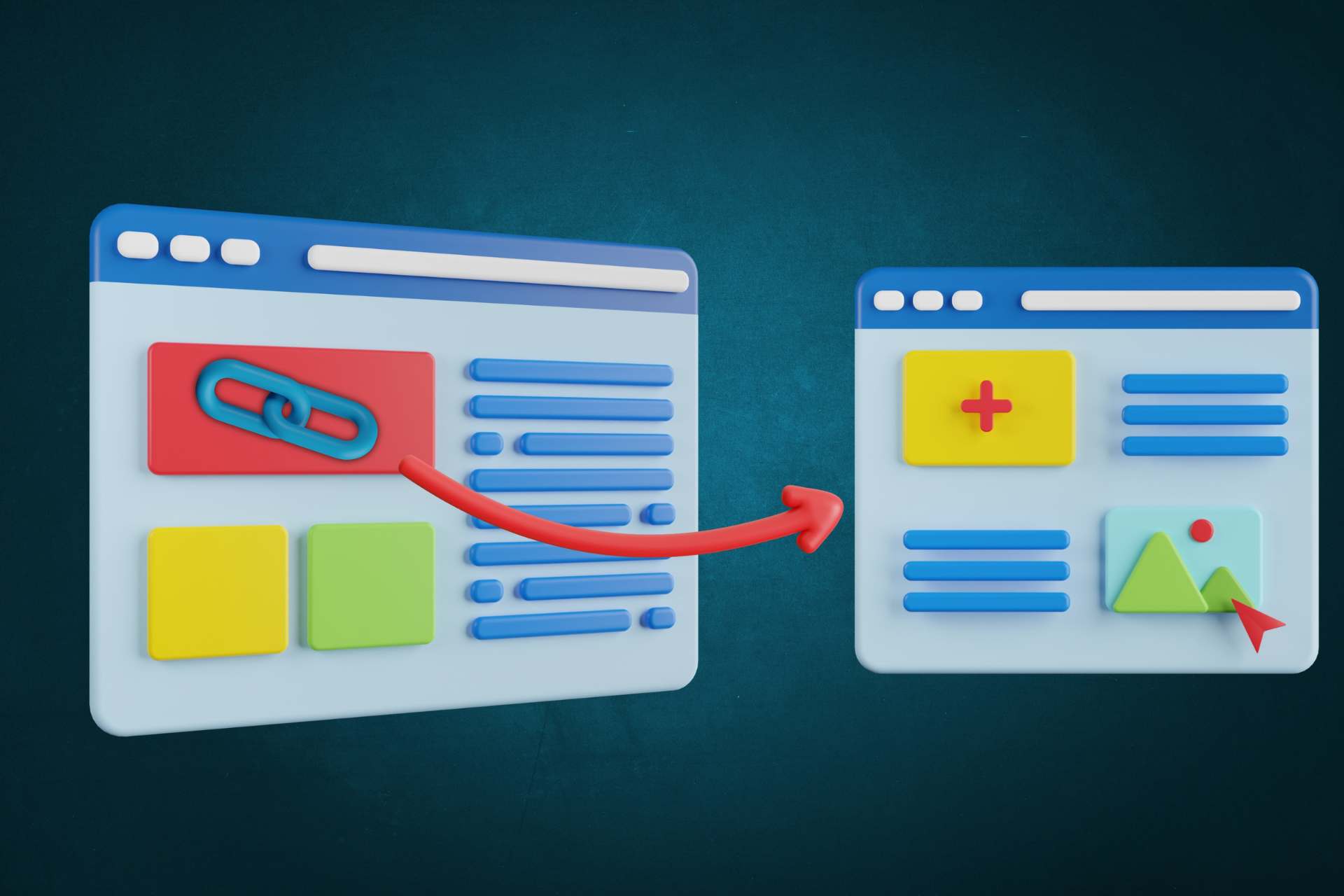
The internal networking is the practice of creating hypertext links between pages on your own website. In other words, it's when you link page A to page B on your domain.
For example, if you write a article on SEO and you link to another article on the same keywords, that's internal linking. It's simple, but terribly powerful.
To understand its strategic impact on your visibility, read our article dedicated to the internal linking and referencing.
Internal linking vs. external backlinks
It is crucial to understand the difference between internal networking and external backlinks :
The 3 main benefits of internal networking
- Improves crawlability: Google can more easily crawl your site and discover all your pages.
- Distributes page authority (PageRank): links transfer authority from one page to another, reinforcing your important pages.
- Increases time spent on site: visitors discover more relevant content, which reduces bounce rates and increases conversions.
Why is internal linking crucial to SEO?
Reason 1: Improves site structure
Google uses robots (crawlers) to explore your site and understand its structure. A good internal mesh creates a clear hierarchy that helps these robots to navigate efficiently.
Think of your site as a house: without corridors (internal links) to connect the rooms, visitors and robots get lost. With a good mesh, everything is logically connected.
Reason 2: Distributes authority (PageRank)
Google uses a concept called PageRank to evaluate a page's authority. Each internal link transfers part of this authority from one page to another.
If your home page has a lot of authority (which it usually does), you can share it with your important pages via internal links. It's a powerful strategy for strengthening your target pages.
Reason 3: Increases user engagement
Good internal linking encourages visitors to explore more pages on your site. This increases the time spent on the site, reduces the bounce rate, and ultimately increases conversions.
The longer your visitors stay, the more Google considers your site to be relevant and of high quality.
Reason 4: Helps Google understand the structure
Internal links provide Google with clues about your site's hierarchy and theme. If you link one page to another with relevant anchor text, Google better understands the topic and relationship between the pages.
The 7 best practices for internal linking
Practice 1: Using descriptive anchor texts
Avoid generic anchor texts such as «click here» or «read more». Instead, use relevant keywords. For example, instead of «click here», write «Read our complete guide to SEO». This helps Google understand what the linked page is about.
Tip 2: Create a logical hierarchy
Organize your site into thematic silos: hub pages at the top, cluster pages in the middle, and specific content pages at the bottom. This structure helps Google understand your architecture and improves SEO.
Tip 3: Link related pages
Link only to relevant pages. If you're writing about SEO, link to other articles about SEO, not to an article about social network marketing. Thematic relevance is crucial.
Tip 4: Limit the number of links per page
Recommendation: 3-5 relevant internal links per page. Too many links dilute authority and confuse Google. Quality > Quantity.
Tip 5: Use dofollow links (by default)
By default, use dofollow links to transfer authority. Use nofollow only for irrelevant links or links to unreliable external sites.
Tip 6: Update older articles
Add links to your new content to older articles. This reinforces important pages and enhances the existing structure.
Tip 7: Use tools to optimize
Tools like LinkWhisper automate the process and save you hours of work. We discuss them in detail later in this article.
5 common internal linking mistakes to avoid
Error 1: Too many links per page
Dilutes authority and confuses Google. Solution: 3-5 relevant links per page.
Error 2: Anchor texts generics
«Click here», «Read more»: no context. Solution: Use relevant keywords.
Error 3: Links to irrelevant pages
Confuses the user with Google. Solution: Link thematically.
Error 4: Ignoring the hierarchy
Important pages not sufficiently linked. Solution: Create a clear hierarchy.
Error 5: Not updating old articles
Obsolete content, missed opportunities. Solution: regular audit.

How to audit your internal network in 5 steps
Step 1: Analyze site structure
Use Screaming Frog to scan your site. Identify orphaned (unrelated) pages. Check the hierarchy.
Step 2: Check anchor texts
Are they descriptive? Do they contain keywords? Are they natural? Optimize if necessary.
Step 3: Measure authority distribution
Which pages receive the most links? Are these the important pages? Rebalance if necessary.
Step 4: Identify opportunities
Unlinked pages? Missing links? Possible improvements? Write them down.
Step 5: Implement an action plan
Prioritize changes. Implement gradually. Measure results.
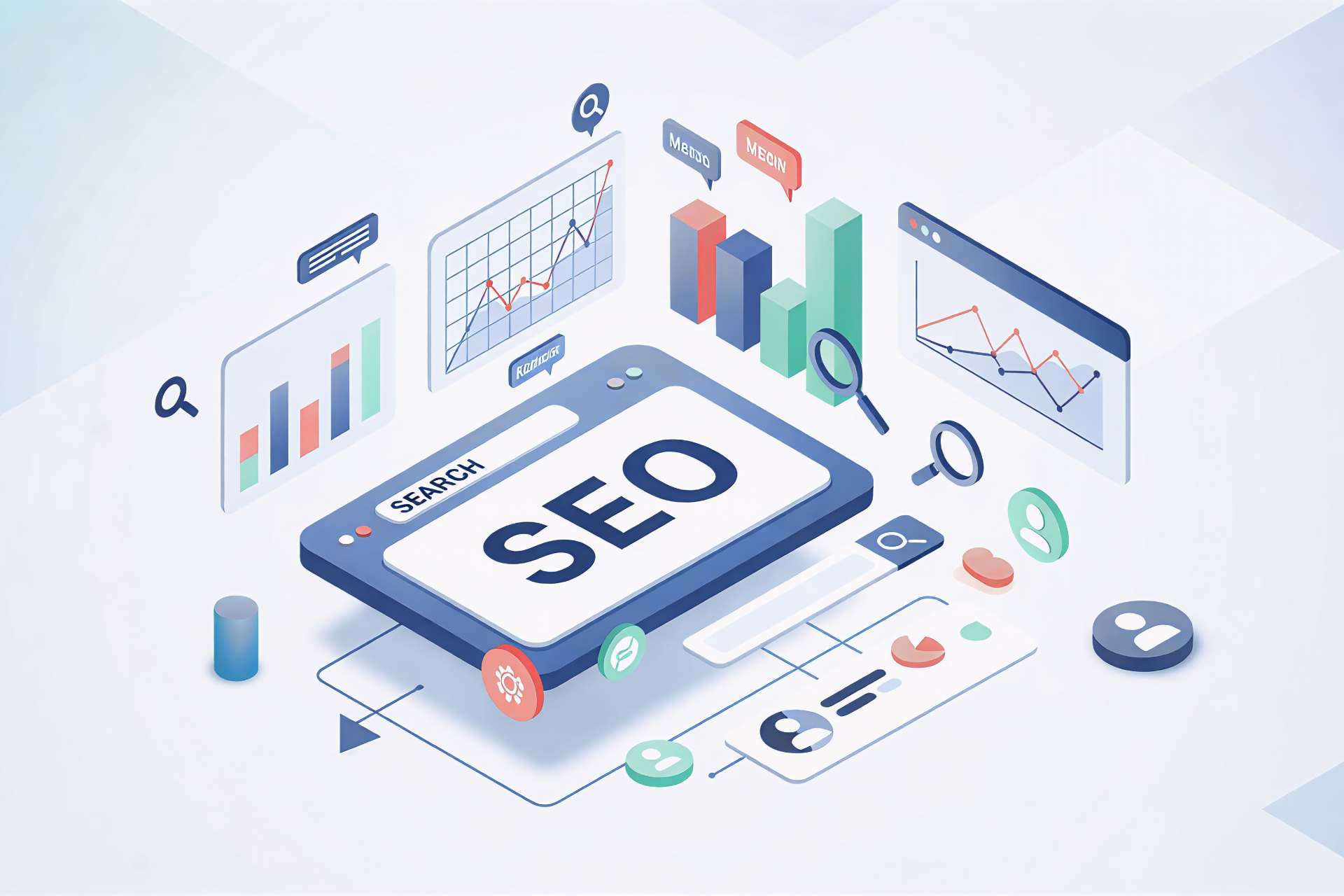
LinkWhisper: the ultimate tool for automating your internal links
What is LinkWhisper?
LinkWhisper is a revolutionary WordPress plugin that automates internal link optimization. Developed by SEO experts, it uses artificial intelligence to automatically suggest the best internal links.
Instead of spending hours analyzing your site and manually building links, LinkWhisper does it for you in seconds. It's a game-changer for SEO.
The 5 main functions
Internal link suggestions
Automatic content analysis. AI and semantic-based suggestions for relevant links. Time saving: 80%.
Link opportunity finder
Identify orphan pages. Finds link opportunities. Prioritize by importance.
Anchor text optimization
Suggests the best anchor texts. Checks relevance. Avoids over-optimization.
Link context analysis
Analyzes the context of each link. Checks thematic relevance. Improves quality.
Reporting & analytics
Internal link tracking. Performance metrics. Recommendations for improvement.
LinkWhisper benefits
- Saves 10+ hours per month
- Improves SEO automatically
- AI-based (very precise)
- Easy to use (intuitive interface)
- WordPress integration (plugin)
- Excellent support
How to use LinkWhisper: step-by-step guide
Step 1: Installation
Download the WordPress plugin. Activate it on your site. Initial configuration (5 minutes).
Step 2: Site analysis
LinkWhisper scans your site. Identifies opportunities. Creates a comprehensive report.
Step 3: Generate suggestions
Open an article. Click on «Get Link Suggestions». See AI suggestions.
Step 4: Implementing links
Select relevant suggestions. Add links with a click. Check the result.
Step 5: Measuring results
Track SEO improvements. Analyze traffic. Continuously optimize.
Real-life use cases: measurable results
Case 1: Blog with 500+ Articles - +45% traffic in 3 months
A marketing agency used LinkWhisper to optimize 500+ articles. Result: 45% increase in organic traffic in just 3 months.
Case 2: E-commerce - +30 % conversions
An online store improved its internal linking with LinkWhisper. Result: 30% increase in conversions thanks to improved navigation.
Case 3: Corporate site - Orphan pages eliminated
A B2B company discovered +50 orphaned pages with LinkWhisper. After optimization: better crawlability and improved rankings.
Pricing & special offers
LinkWhisper offers several plans to suit all budgets. Prices are very competitive compared to other SEO tools.
⭐ SPECIAL OFFER: Get 20% off with code FLOWR20!
Go to LinkWhisper : https://linkwhisper.com/?ref=FLOWR20
Affiliate code: FLOWR20
Complete strategy: 12-month roadmap
Month 1-2: Audit & planning
- Complete site audit
- Identifying problems
- Create an action plan
Month 3 - 4: Basic implementation
- Add links to important pages
- Optimizing anchor texts
- Creating a hierarchy
Months 5-6: Optimization with LinkWhisper
- Install LinkWhisper
- Generate suggestions
- Implementing the best
Months 7-12: Continuous optimization
- Update old articles
- Add links to new content
- Measure and adjust
Expected results
- +30-50% organic traffic
- Best ranking
- Reduced bounce rate
- Increased conversions
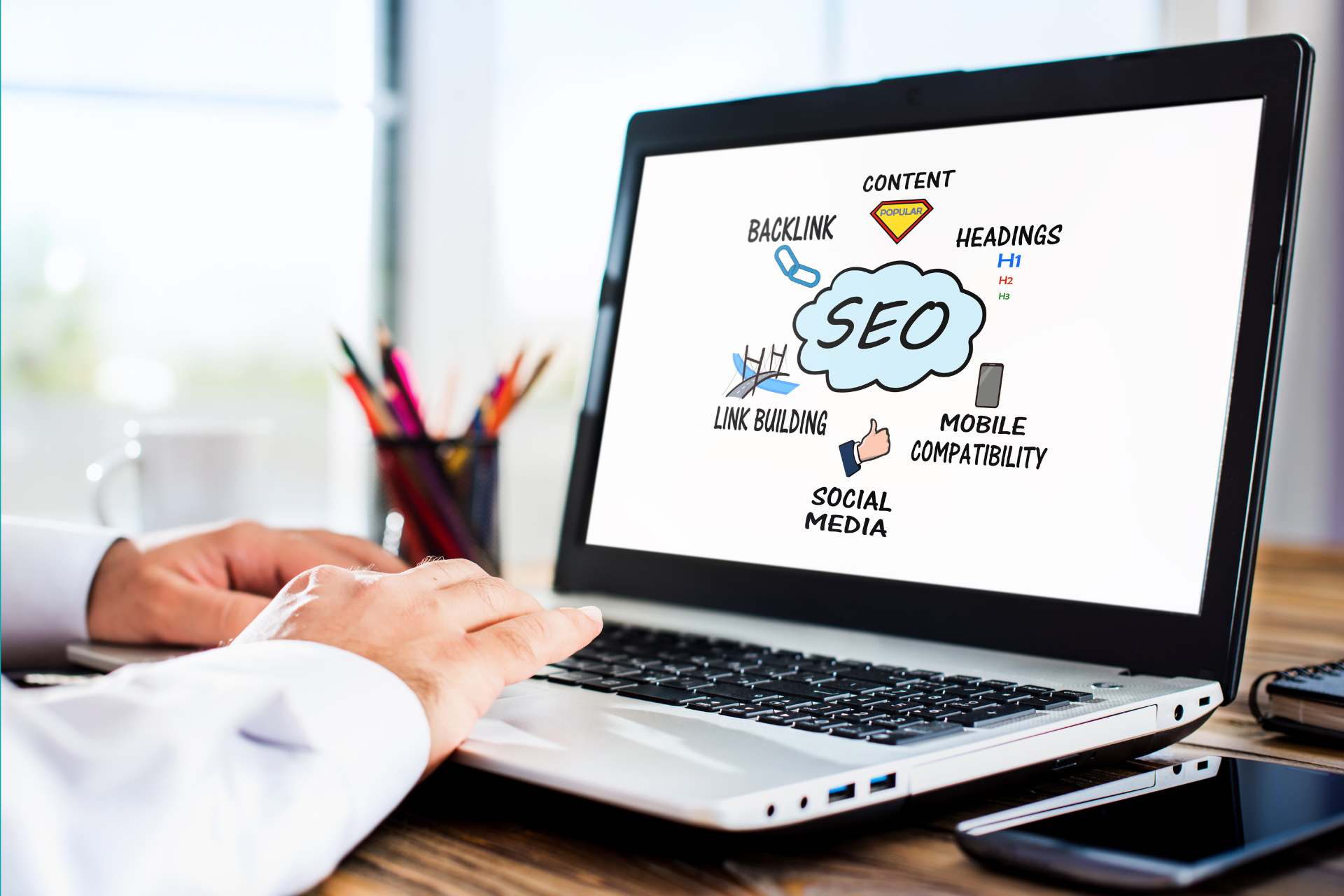
Internal linking is one of the most important factors for dominating Google. Yet many sites ignore it, or do it badly.
By following the best practices described in this guide, you can increase your organic traffic by 30-50% in just 6 months. Imagine the opportunities this represents for your business.
But here's the secret: you don't have to do it all manually. LinkWhisper automates the process, saving you dozens of hours every month.
⭐ Ready to transform your SEO? Get started with LinkWhisper today and get 20% off with code FLOWR20.
Go to LinkWhisper : https://linkwhisper.com/?ref=FLOWR20
Need help?
Need help optimizing your internal linking? Flowr Agency offers a complete SEO strategy tailored to your business.
Contact us for a free consultation: https://flowragency.com/contact
FAQ: Frequently asked questions about internal linking
Q1: What is internal meshing?
Internal linking is the practice of creating hypertext links between pages on your own website. It's a crucial factor in SEO.
Q2: Why is internal linking important for SEO?
Internal linking helps Google understand your site's structure, distributes page authority, and increases user engagement. All of which improves your rankings.
Q3: How do I use LinkWhisper?
LinkWhisper uses AI to automatically suggest the best internal links. Install the plugin, open an article, click on «Get Link Suggestions», and add the relevant links.
Q4: How many internal links per page?
Recommendation: 3-5 relevant internal links per page. Too many links dilute authority and confuse Google.
Q5: What is the best anchor text for internal links?
Use descriptive anchor texts containing relevant keywords. Avoid generic anchor texts such as «click here».
Q6: Does LinkWhisper work with all CMS?
LinkWhisper is currently available as a WordPress plugin. It works with WordPress and all WordPress themes.