#assistant code

Amazon CodeWhisperer

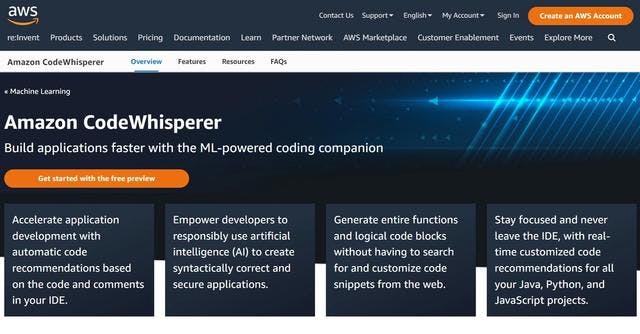
Amazon CodeWhisperer is a machine learning (ML)-based service that helps improve developer productivity by generating code recommendations based on their natural language feedback and code in the integrated development environment (IDE).

Why use Amazon CodeWhisperer ?

Amazon CodeWhisperer is a security tool for developers that aims to help teams detect and fix security vulnerabilities in their code. It uses automated code analysis techniques to identify potential weaknesses in applications, such as SQL injections, unauthorized access and data leaks.

The benefits of using Amazon CodeWhisperer include:

It can detect security vulnerabilities in code at an early stage, allowing developers to fix them before they are exploited.
It can automate the security verification process, saving time and resources for developers.
It can be integrated with existing development tools, such as version control systems and build tools.
It can provide detailed information about the detected vulnerabilities, including specific lines of code and instructions for fixing them.

Key benefits of Amazon CodeWhisperer

Overview

Amazon CodeWhisperer

Discover Amazon CodeWhisperer now

#Frameworks
Build, maintain and deliver your design system to all your product teams, blazing fast
#Project management
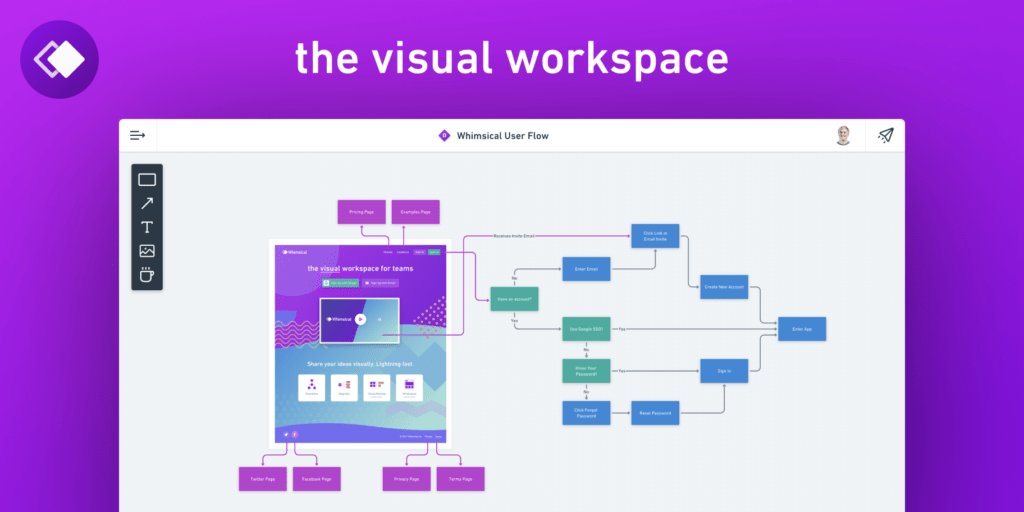
Whimsical allows you to create mind maps, wireframes, diagrams or flowcharts in a simple and intuitive way.
#music
Riffusion generates music from text instructions. Try your favorite styles, instruments like saxophone or violin, modifiers like Arabic or Jamaican, genres like jazz or gospel, sounds like church bells or rain, or any combination.
#Frameworks
User flow library for Sketch & Figma
#Desktop applications
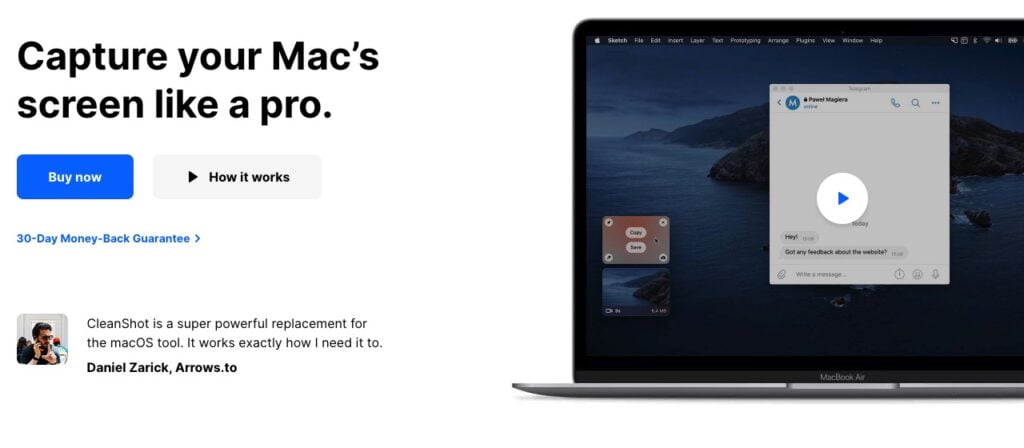
Cleanshot X provides over 50 edits, making it the ultimate screen capture tool.
#Twitter
Birdy helps you optimize your Twitter profile with continual automated A/B testing. Create two different ...
#Project management
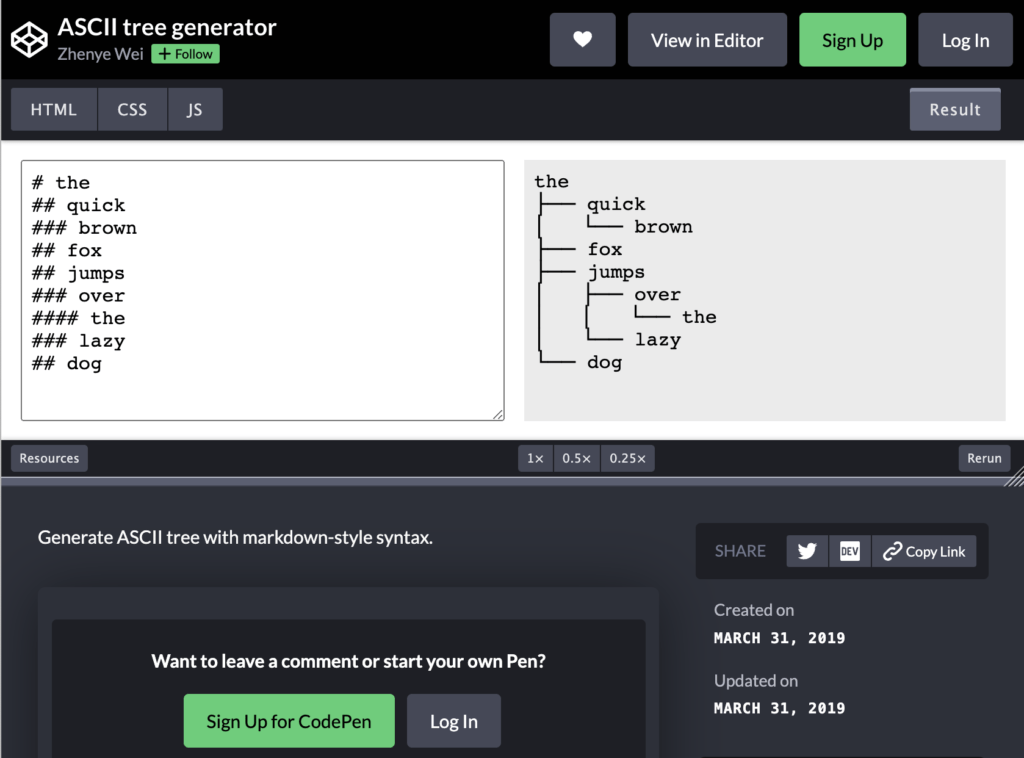
ASCII Tree Generator allows you to create and visualize your folder structure for your projects using simple drag and drop. In ASCII format, save your tree structure in your documentation.

In the same category