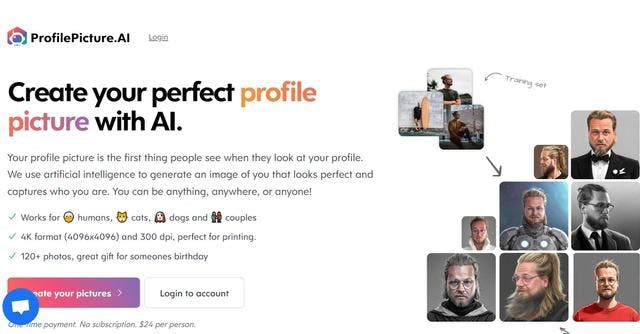
Profile Picture AI is a powerful tool that helps you choose the best profile picture for your business or brand. It analyzes all your photos, gives you advice and helps you choose the perfect photo for your profile. The tool uses artificial intelligence technology to analyze hundreds of criteria, including the face, expressions, body, colors, style and even the environment of the photo.
One of the main benefits of Profile Picture AI is that it can help you choose a photo that matches the image you want your brand to have. This can be a great advantage for businesses that want to create a distinctive and consistent image. The tool can also help you choose a photo that stands out from the rest and stands out among all the other photos on the web.
In addition, the tool can help you find photos that are both professional and attractive. It can also advise you on how to take photos to ensure that they are the best possible. Finally, the tool can help you find photos that are both compelling and attractive to your customers. By using Profile Picture AI, you can get the best photos for your brand and business.


 Français
  English