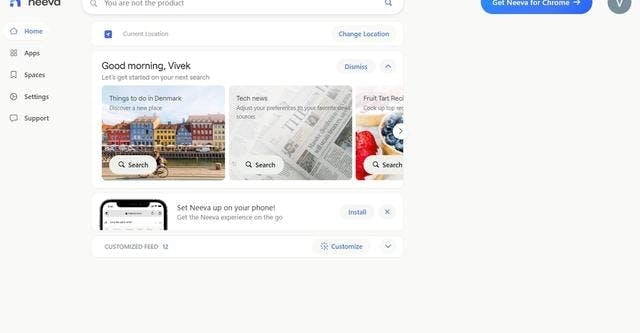
NeevaAI is a personal search engine that uses machine learning to deliver relevant and personalized search results for each user. It searches through billions of web pages, emails, documents and files, as well as personal data such as contacts, calendars and notes.
The advantages of using NeevaAI are:
Search results are more relevant and personalized because they take into account the user's preferences and search habits.
It allows you to search through personal data such as emails, contacts and calendars, making it easy to access this information.
There are no advertisements or tracking of navigation, which guarantees the privacy of the user.
It is fast and easy to use with a simple and intuitive interface.
It offers a multilingual search.
Why use NeevaAI ?
Key benefits of NeevaAI
- Search results are more relevant and personalized because they take into account the user's preferences and search habits.
- It allows you to search through personal data such as emails, contacts and calendars, making it easy to access this information.
Overview




 Français
  English