#Project management

Diagrams

Diagrams (formerly draw.io) is a free online flowcharting and diagramming application.

Why use Diagrams ?

Diagrams is an online diagramming software that facilitates data and process visualization. It is particularly useful in the fields of business, education and research.

Diagrams offers a variety of templates and shapes to create diagrams of all types, such as flow charts, organization charts, Gantt charts and Venn diagrams. The software is easy to use and allows you to customize diagrams by changing the color, size and shape of the elements.

Diagrams also has many collaborative features that make teamwork more efficient. Users can work on a diagram in real time with others, add comments and track change history.

In addition, Diagrams is compatible with many file formats, making it easy to integrate into other work tools. The software is available online and can be used on any device connected to the Internet.

In summary, Diagrams is a handy tool for creating and sharing diagrams effectively. It is easy to use and offers many collaborative features that make it a popular choice for professionals and teachers.

Key benefits of Diagrams

Overview

Completely free online flowchart and diagram creation application

Discover Diagrams now

#Privacy
Self-hosted, easy-to-use, lightweight and high-performance file transfer solution built with privacy in mind (...
#image generator
AI design tool for branded content. You can use it to generate great product photos for your ads or other content.
#Analytics
Self-hosted web analytics, with privacy and simplicity at its core. Start your own SaaS business or use ...
#Desktop applications
Cleanshot X provides over 50 edits, making it the ultimate screen capture tool.
#copywriting
Create content 10 times faster with AI. Jasper is the writing tool
#Marketing and emails
Sparrow Charts is a graphical technique used to visualize and analyze your social media data. It is composed of a grid of dots or small icons called sparrows that represent the data values. The sparrows are arranged on a grid that consists of horizontal and vertical lines and is used to represent the different data values. The sparrows can be colored to reflect the relative value of the data to facilitate analysis and reporting. Sparrow Charts are very useful for continuously changing data, as they provide a quick and clear visual representation of the data.
#Project management
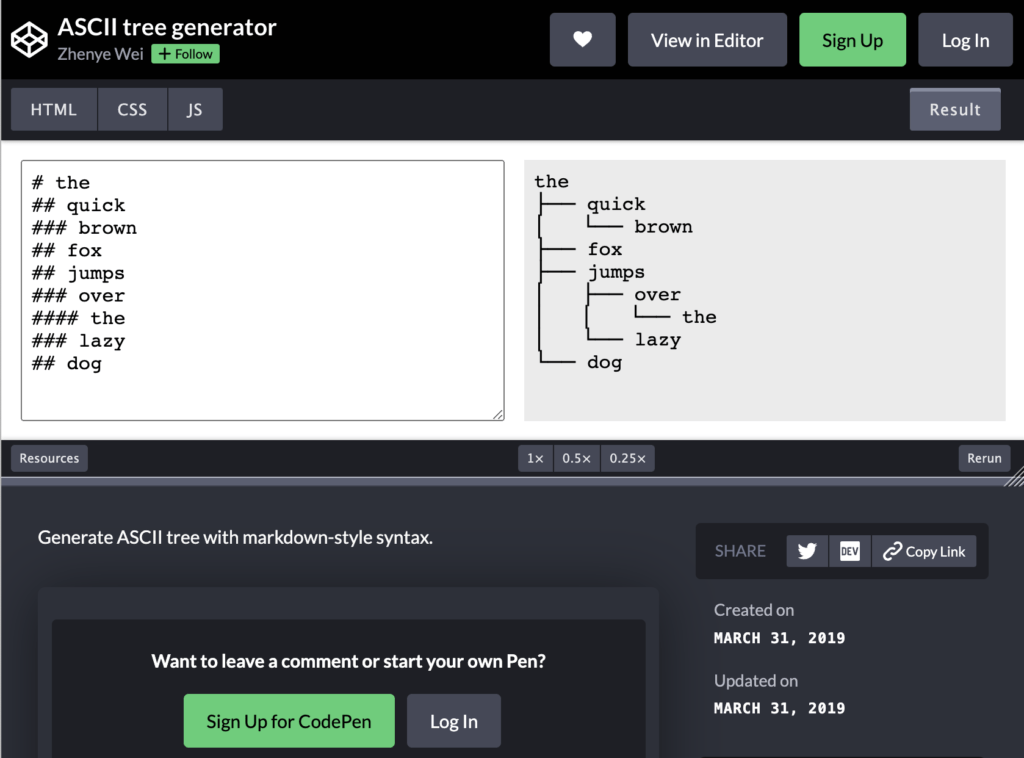
ASCII Tree Generator allows you to create and visualize your folder structure for your projects using simple drag and drop. In ASCII format, save your tree structure in your documentation.
Submagic is an intelligent subtitle generator that will revolutionize your videos in just a few clicks thanks to immersive visual effects, maximum customization and professional-quality visual content accessible to everyone.

In the same category