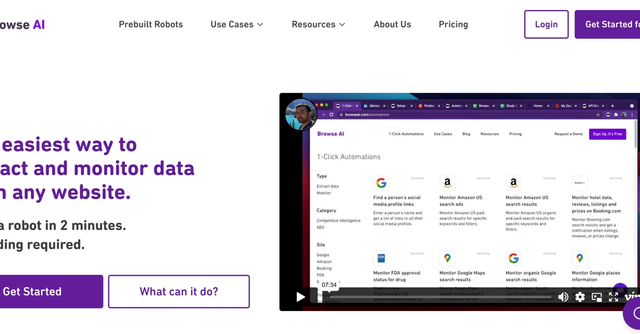
Browse AI is a powerful tool that enables companies to create and manage automated workflows for their business operations. It provides a set of tools that enable organizations to create and manage data sources, machine learning algorithms and automated workflows. With Browse AI, companies can easily integrate their data, algorithms, and workflows to create end-to-end solutions tailored to their needs.
Browse AI provides organizations with a simple and flexible way to create custom data management solutions and algorithms. It makes it easy to create, deploy and manage workflows for organizations that need custom solutions and automated workflows. The tool can be easily integrated with database management systems, information management systems and customer relationship management (CRM) systems.
The key benefits of Browse AI are its flexibility, ease of use and power. Companies can create custom solutions that meet their needs and objectives. The tool can be used to create automated workflows and custom solutions for data processing, image processing and video processing. It also allows companies to track the progress of their workflows and solutions and react quickly to changes. Finally, Browse AI provides organizations with tools to control and monitor their workflows and data, as well as additional security to protect their data and workflows.





 Français
  English