#Colors

Adobe Color

Adobe Color offers ready-to-use or create your own color themes.

Why use Adobe Color ?

Adobe Color is an online platform developed by Adobe Systems, a leading graphic design software company. The platform was launched in 2012 and has quickly become one of the top destinations for designers and artists looking to create and manage color palettes.

One of the main features of Adobe Color is its wide selection of predefined color palettes. Users can browse hundreds of palettes created by professional designers, or create their own using the online creation tool. Each palette consists of five to ten colors that are selected to create a pleasing and consistent visual balance.

In addition to its color palettes, Adobe Color also offers online design tools that allow users to test different color combinations on website templates and product mockups. These tools are especially useful for designers looking to find the perfect color combination for their project.

In addition to its design features, Adobe Color also strives to become an online community for designers and artists. The platform features tutorials and articles on design and color, as well as forums where users can discuss their projects and exchange ideas.

In short, Adobe Color is a comprehensive online platform for designers and artists looking to create and manage color palettes. With its wide selection of predefined palettes and online design tools, Adobe Color has become one of the top destinations for those looking to improve their color and design skills.
Key benefits of Adobe Color

Overview

Discover Adobe Color now

#life assistant
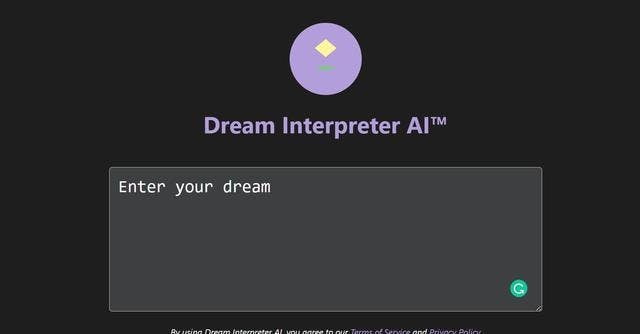
A dream interpreter built with GPT-3. Ask him the meaning of your dream and he will interpret it for you, also allowing you to vote for or against the meaning
#low-code/no-code
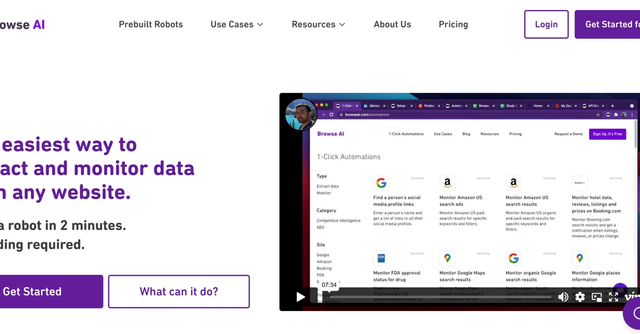
The easiest way to extract and monitor data from any website. Train a robot in 2 minutes. No coding required.
#research
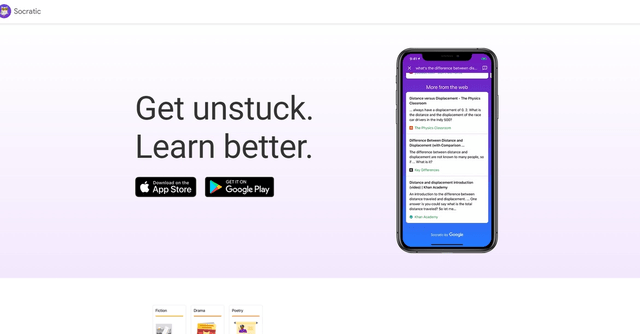
Get rid of your academic problems like science, math, literature, social studies and more with the help of Google AI and also get visual explanations of important concepts in each subject.
#Emailing
Tutanota is a secure mailbox that offers email encryption for both storage and transport. With Tutanota, you can create password encrypted emails, thus ensuring the privacy of your emails. Emails are stored on secure servers and are protected by a strong encryption system. Tutanota also allows you to send encrypted emails to recipients who do not have Tutanota. Moreover, you can manage your emails, contacts and calendars in a single application. Tutanota is a secure email solution that offers excellent privacy protection and can be used to send confidential and private messages.
#Project management
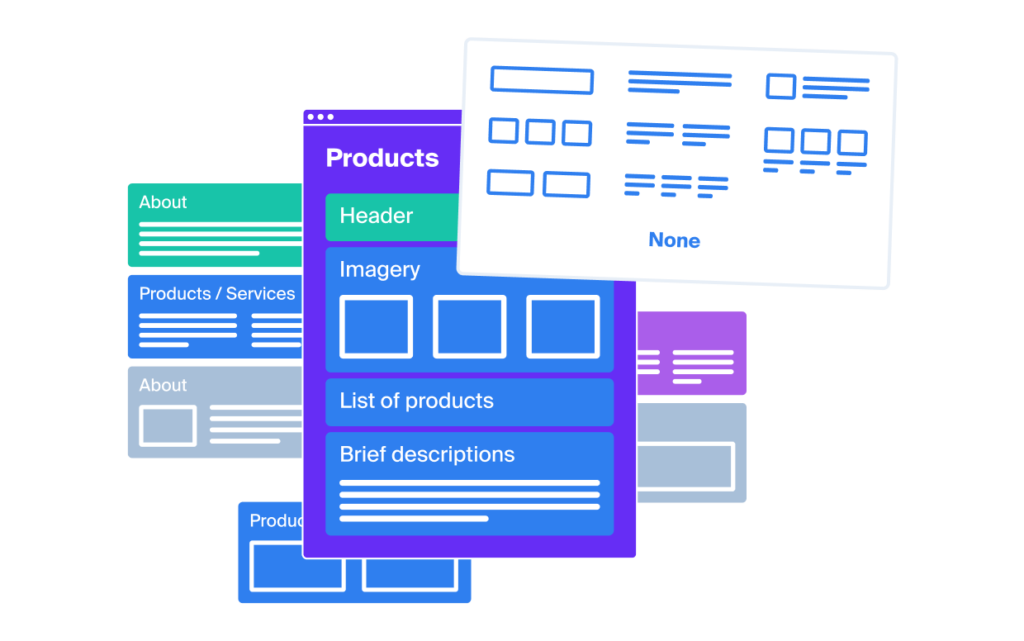
Octopus allows you to create wireframes for a site or an application, to add notes and color combinations to easily find your way around.
#Frameworks
PLOUTER - is a design plate and user interface kit for mobile application design
#Project management
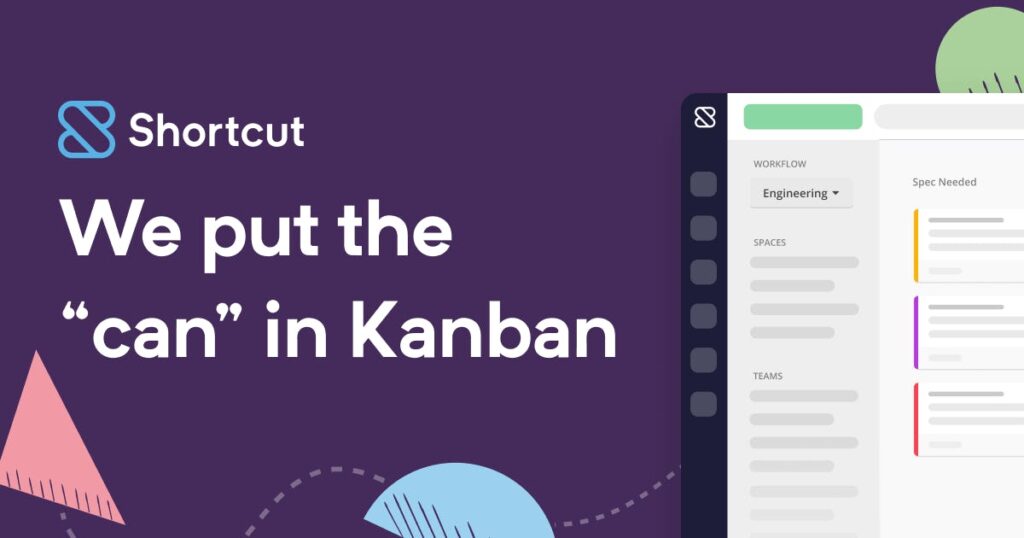
The intuitive and powerful project management platform loved by software teams of all sizes.
#Desktop applications
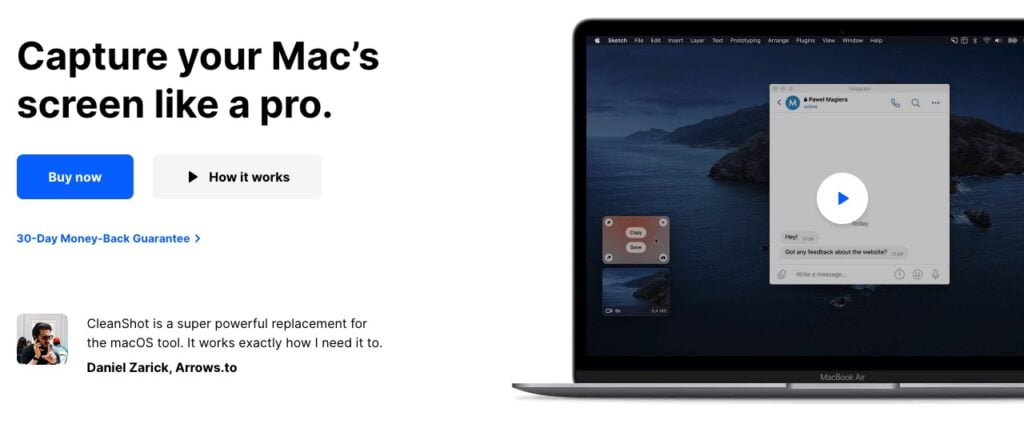
Cleanshot X provides over 50 edits, making it the ultimate screen capture tool.

In the same category